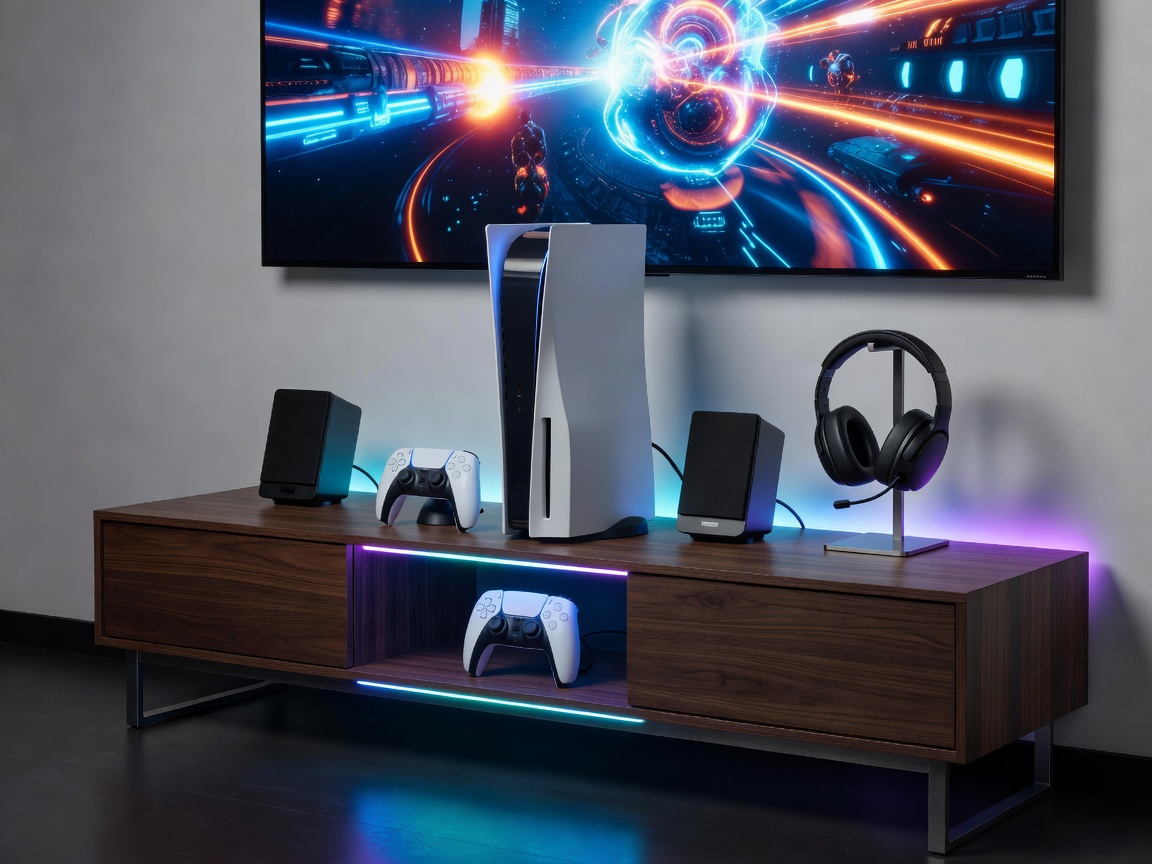
Ultimate PS5 Pro 4K OLED Gaming Sanctum
This blueprint details the engineering requirements for an ultra-low latency, high-dynamic-range gaming space built around the PlayStation 5 Pro console and LG OLED display hardware.
1. Display & Visual Calibration Matrix
To eliminate motion blur and input lag while retaining deep black levels, the recommended panel is an LG C4 or G4 Series 55"-65" OLED TV. Ensure your console HDMI output is set to 2160p with Variable Refresh Rate (VRR) engaged.
| Parameter | Console Setting | TV Setting |
|---|---|---|
| Resolution & Refresh Rate | 2160p / 120Hz Automatic | HDMI Ultra HD Deep Color ON |
| Variable Refresh Rate (VRR) | Automatic (For Supported & Unsupported) | AMD FreeSync Premium / G-Sync ON |
| ALLM (Auto Low Latency Mode) | Automatic | Game Optimizer Mode Active |
| Color Format | Automatic (YUV422 / RGB 4:4:4) | PC Mode Labeling Enabled |
2. Thermal Dissipation & Mounting Clearance
The PlayStation 5 Pro chassis draws up to 350 Watts under heavy PSSR AI-upscaling load. Thermal management requires at least 15cm (6 inches) of open clearance on all side vents and 20cm at the rear exhaust channel.
- Vertical Orientation: Utilize the official aluminum alloy vertical stand to ensure airflow into the lower intakes.
- In-Cabinet Placement: If placing inside a media console, install twin 120mm USB exhaust fans on the rear panel of the furniture.
3. Reactive RGB & Ambient Lighting Integration
By connecting an HDMI 2.1 Sync Box (such as Philips Hue Play HDMI Sync Box 8K) inline with your console, you achieve real-time, bias-lighting immersion without adding display input lag.