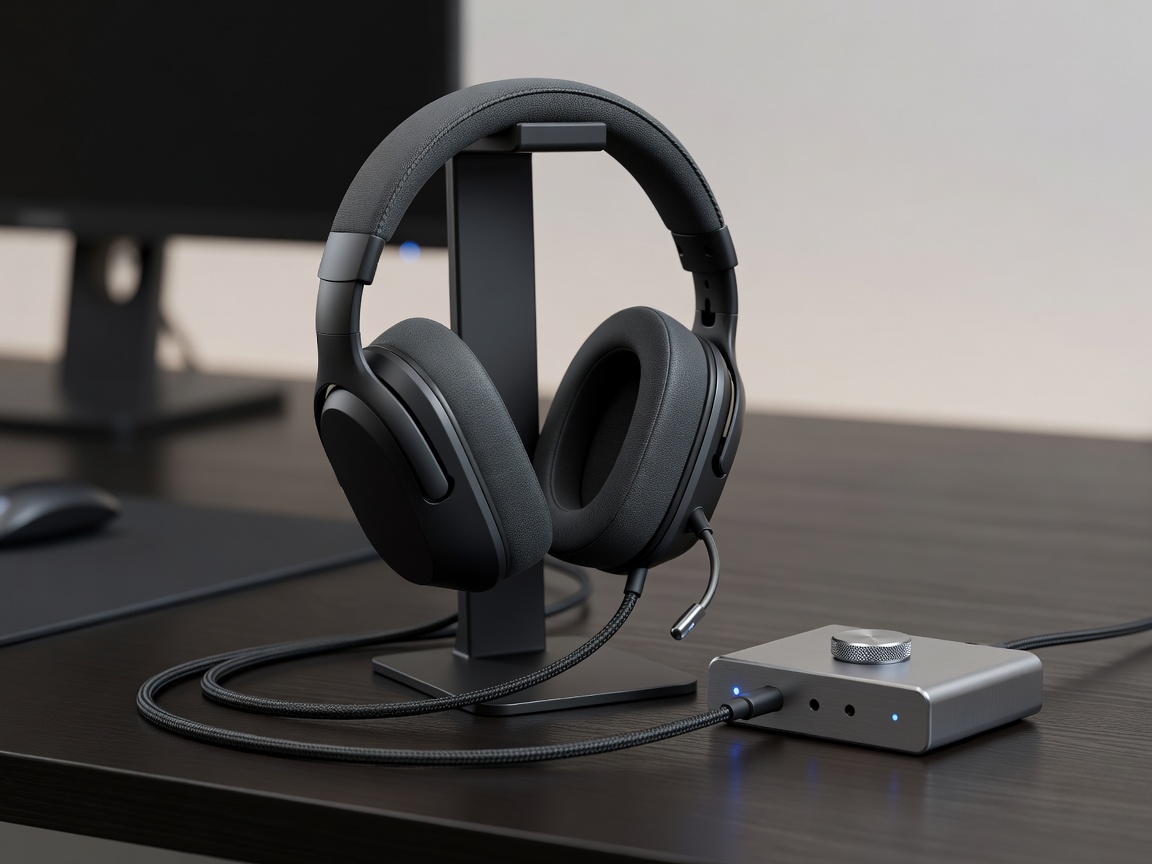
Tempest 3D Audio & Spatial Sound Configuration
Achieving pin-point directional hearing in competitive tactical shooters (such as Call of Duty, Apex Legends, and Rainbow Six Siege) requires precision calibration of PlayStation's Tempest 3D Audio engine and external DAC amplifiers.
1. Headset Hardware Selection: Planar Magnetic vs Dynamic Drivers
The Sony Pulse Elite wireless headset utilizes audiophile-grade Planar Magnetic drivers which eliminate harmonic distortion at high volume. When paired with the PlayStation Link USB adapter, latency drops below 15ms.
2. HRTF (Head-Related Transfer Function) Profile Calibration
Every player's ear anatomy reflects sound differently. In Settings > Sound > 3D Audio for Headphones, cycle through HRTF Profiles 1 through 5. Choose the profile where the virtual water drop sound feels directly level with your ear canal.
3. eARC & AV Receiver 7.1 Surround Sound Routing
For home theater speaker setups, pass uncompressed Linear PCM or Dolby Atmos bitstream over HDMI 2.1 eARC to your receiver. Set "Number of Channels" to 7.1 and adjust speaker position angles in the console setup wizard.