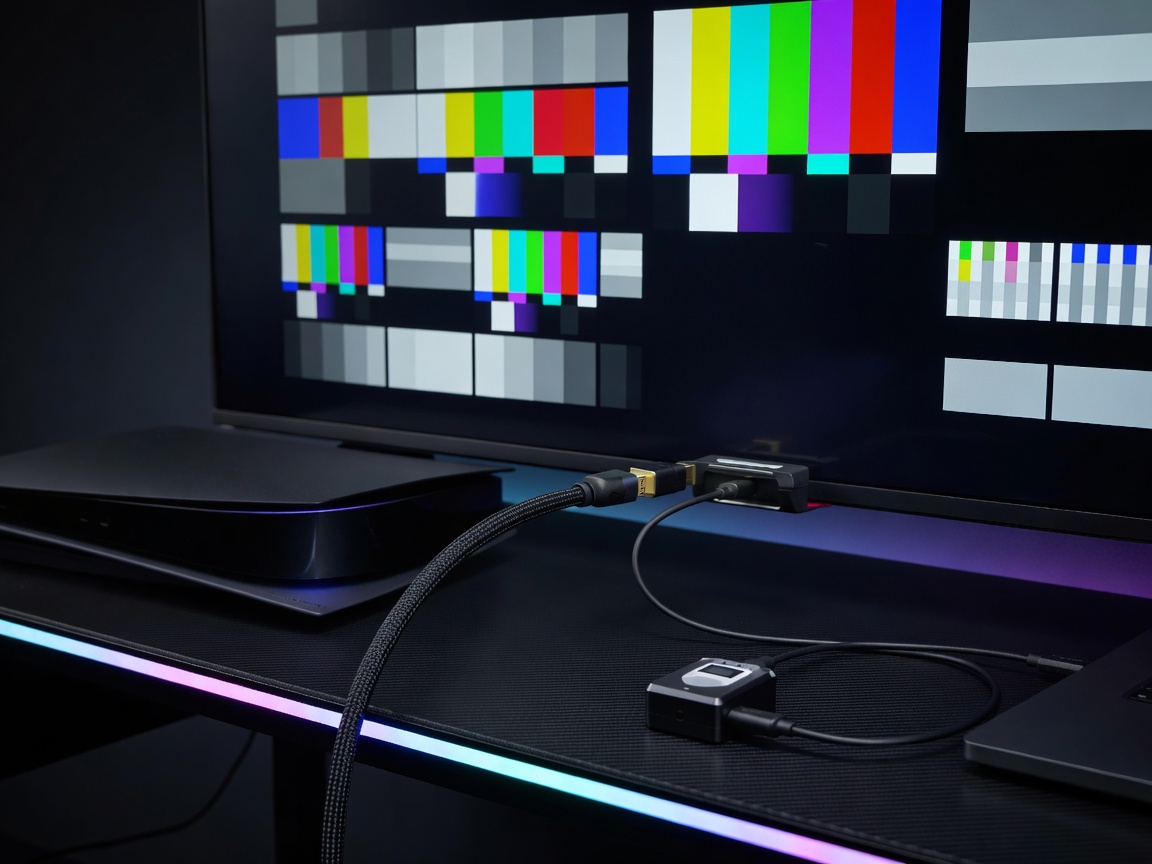
HDMI 2.1, VRR & 120Hz Masterclass for PlayStation
The transition from HDMI 2.0 to HDMI 2.1 increased total bandwidth limits from 18Gbps to 48Gbps (using Fixed Rate Link FRL mode). This extra headroom is mandatory for uncompressed 4K resolution at 120 frames per second.
1. Understanding VRR (Variable Refresh Rate) Window
On PlayStation consoles, HDMI VRR operates dynamically within a native refresh window of 48Hz to 120Hz. If a game drops below 48 FPS, Low Framerate Compensation (LFC) automatically doubles rendered frames to keep the monitor inside its physical refresh range, eliminating screen tearing without inducing traditional V-Sync input delay.
2. Chroma Subsampling: 4:4:4 vs 4:2:2
When running games at 4K 120Hz on a 32Gbps bandwidth TV port, the console dynamically lowers chroma subsampling to 4:2:2. To maintain pristine 4:4:4 uncompressed color depth, ensure your display panel features full 48Gbps HDMI 2.1 ports (such as LG OLED C-series, Samsung QN90 series, or Sony BRAVIA XR series).
3. Recommended Cable Certification
Always verify that your cable bears the official "Ultra High Speed HDMI" QR authentication sticker. Non-certified copper cables exceeding 3 meters (10 feet) frequently suffer signal dropouts, black screens, or audio desynchronization.