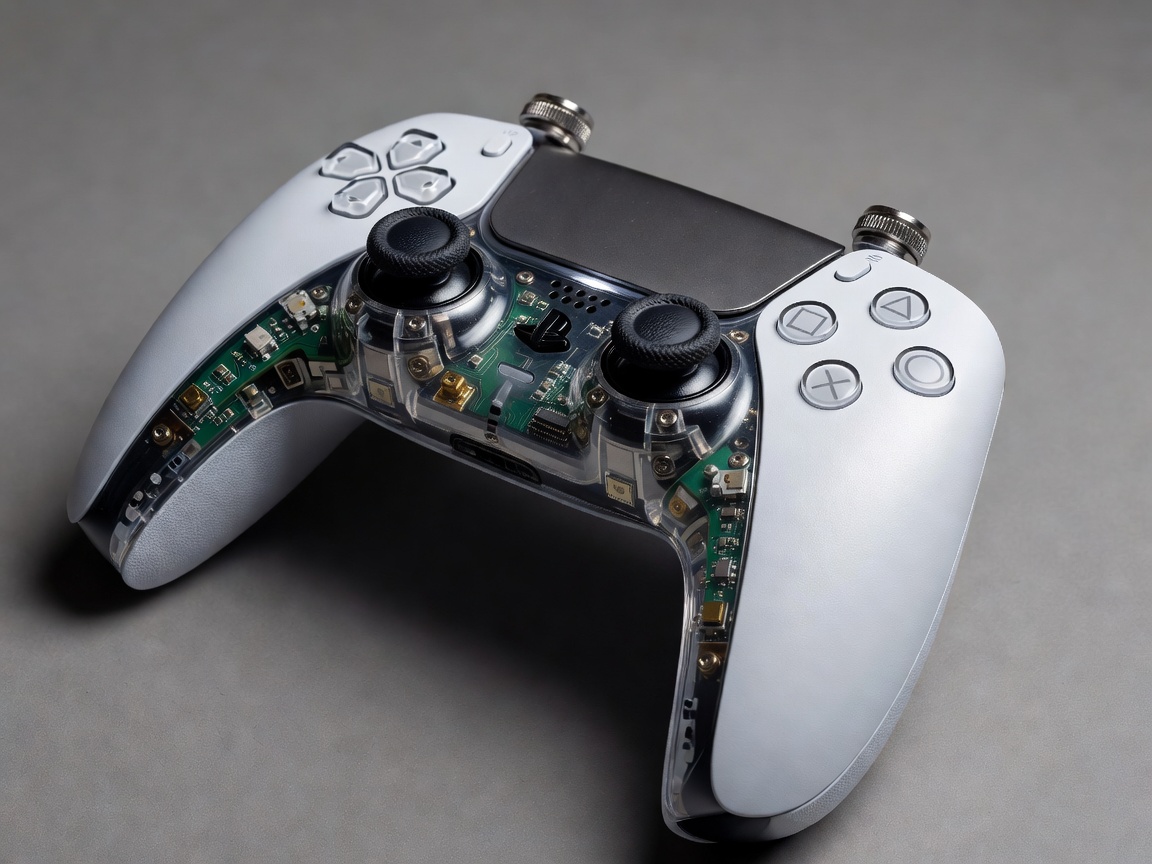
DualSense Edge Custom Stick Curves & Mechanical Calibration
The PlayStation DualSense Edge wireless controller provides low-level firmware access to stick sensitivity curves, deadzone thresholds, trigger travel stops, and button remapping. Mastering these parameters grants a direct mechanical advantage.
1. Stick Sensitivity Curves Breakdown
- Quick Curve: Ideal for fast target acquisition in FPS titles. Accelerates input response during initial thumbstick movement.
- Precise Curve: Perfect for long-range sniping or flight simulators. Minimizes small inadvertent inputs near the center stick axis.
- Steady Curve: Smooths out erratic stick flicks, useful for racing games and third-person action cameras.
2. Mechanical Trigger Deadzones
By sliding the physical rear trigger stop switches to the shortest position (Short Travel), key input registers in under 2mm of movement. Set software trigger deadzones to 0-1% to mimic instant digital mouse clicks on L2 and R2.
3. Swappable Stick Modules
To avoid permanent stick drift issues, modular potentiometer assemblies can be replaced in seconds via the bottom release lever. Keep a spare module stored inside the hard shell travel case.